
Connect karo
Apne accounts connect karo
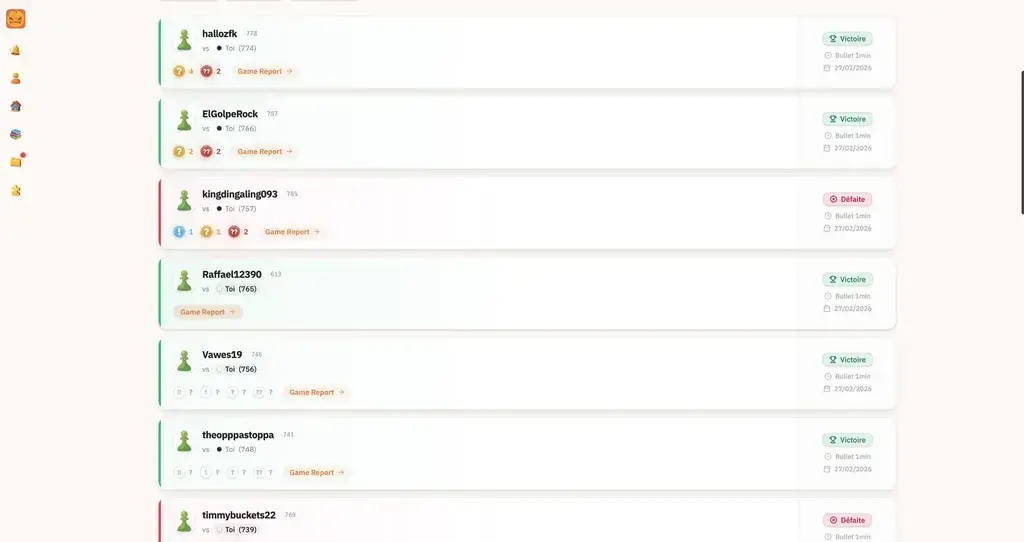
Apni histories seconds me link karo. Sab background me sync hota hai.
- Aapke Chess.com aur Lichess accounts ke saath 1 click me compatible.
- Zero configuration required.
- Card zaroori nahi. Instant access.
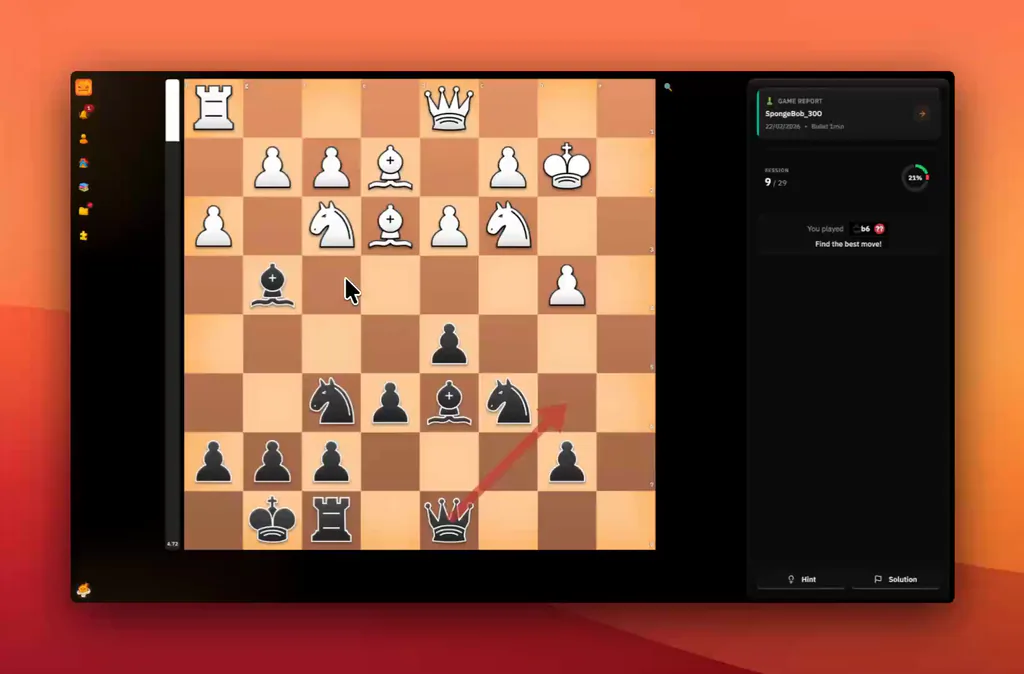
Chess.com ya Lichess game import karo, PGN review karo aur clear report pao: blunders, missed wins, turning points aur next position to train.
We developed an advanced AI to help you analyze your games and understand your positions. Go beyond the score: discover why a move works, and what you could have played.

Spot your best moves, missed opportunities and the mistakes that changed the game.

Your AI coach explains the ideas behind the moves, so you can make sense of each position.

Explore better continuations and learn what to look for next time.
ChessFlare Workflow
Apni histories seconds me link karo. Sab background me sync hota hai.
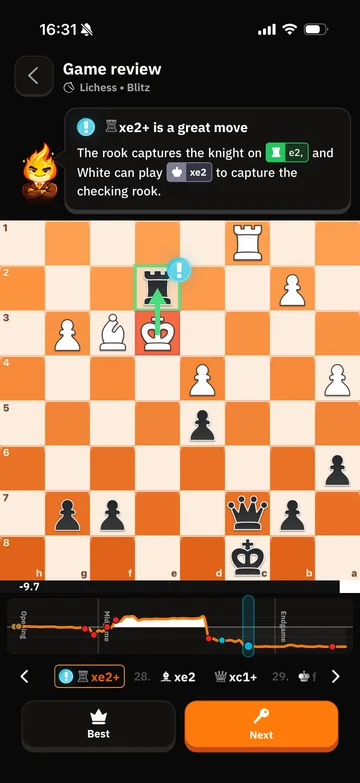
Game ke turant baad accuracy curve, move quality aur coach-style feedback dekho.
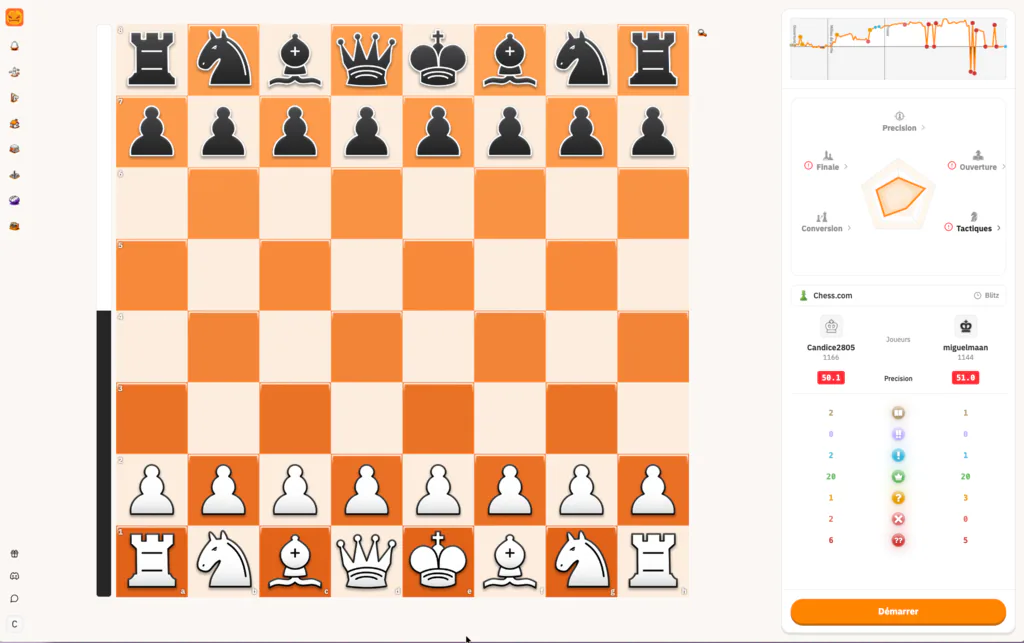
Jis exact moment par game shift hua, wahan aasani se navigate karo. Is baar right decision lo.
Apni game Chess.com, Lichess ya PGN se import karo, phir pehle key moments dekho: blunders, missed wins, turning points aur next plan.
Free ChessFlare account se start karo, apni games connect karo aur advanced training choose karne se pehle report workflow review karo.
Nahi. Chess.com ya Lichess connect karo taaki games auto sync hon. Specific game review karni ho to PGN workflow bhi use kar sakte ho.
Haan. Report quick mobile review ke liye bani hai, game ke turant baad critical moments dekho aur baad me deeper training karo.
Report accuracy, blunders, missed chances, move quality, turning points aur practical plans ko simple language me explain karti hai.
Zyada reports jaldi ready hoti hain. Deeper analysis chal raha ho to ChessFlare progress clear rakhta hai aur useful moments pehle dikhata hai.
Same mistake repeat karte hue games stack mat karo. Har match ke baad kuch minutes lo, turning point samjho, phir train karo.
Next steps