Connect
Connect your accounts
Link your histories in seconds. Everything syncs in the background.
- Compatible with your Chess.com & Lichess accounts in 1 click.
- Zero configuration required.
- No card required. Instant access.
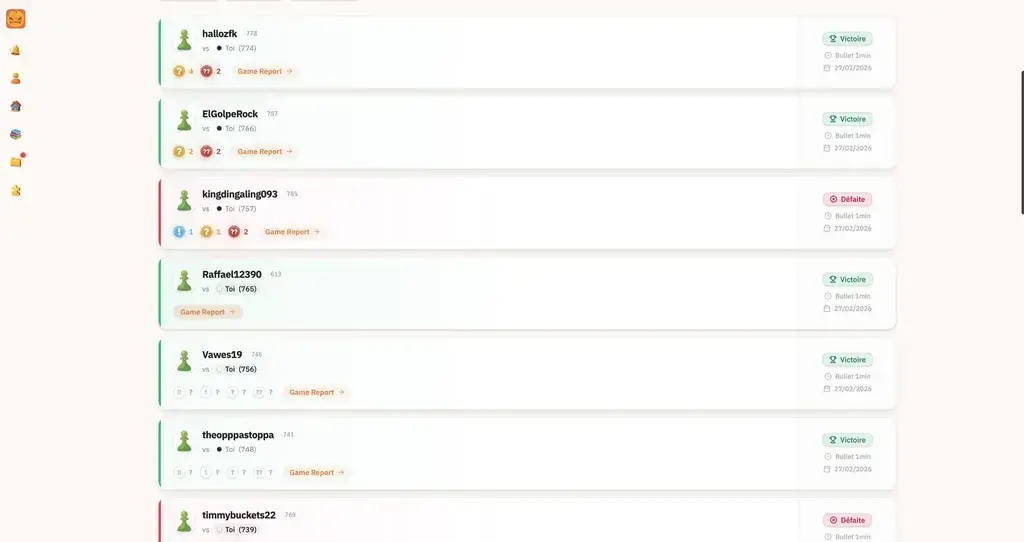
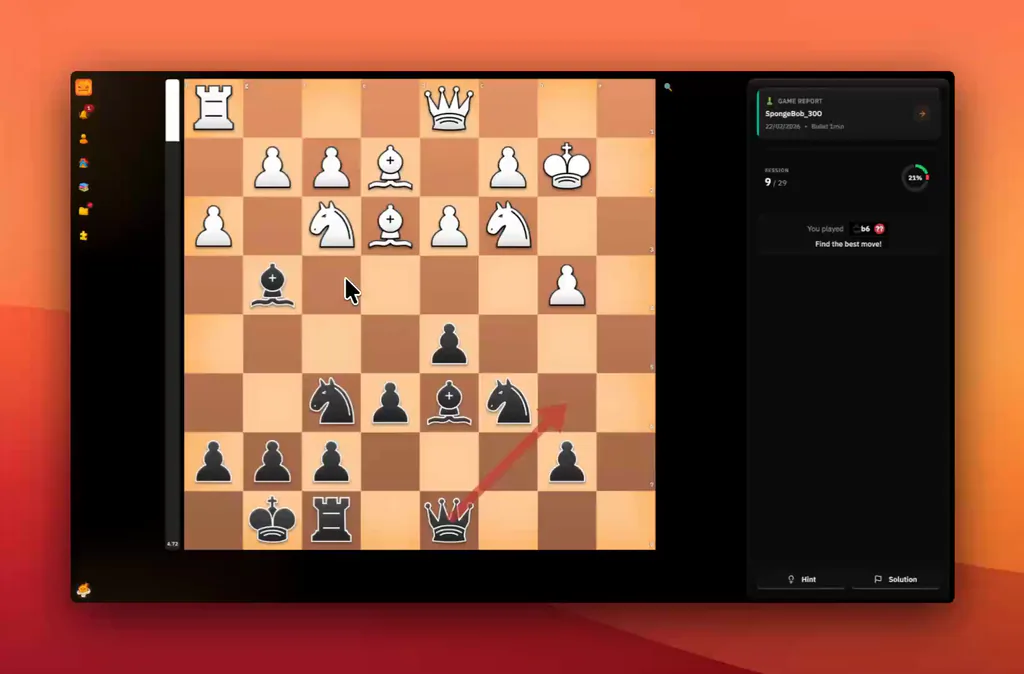
Create your free account and import a game from Chess.com, Lichess, or PGN. Find mistakes, missed chances, and positions worth revisiting.
We developed an advanced AI to help you analyze your games and understand your positions. Go beyond the score: discover why a move works, and what you could have played.

Spot your best moves, missed opportunities and the mistakes that changed the game.
Your AI coach explains the ideas behind the moves, so you can make sense of each position.

Explore better continuations and learn what to look for next time.
ChessFlare Workflow
Link your histories in seconds. Everything syncs in the background.
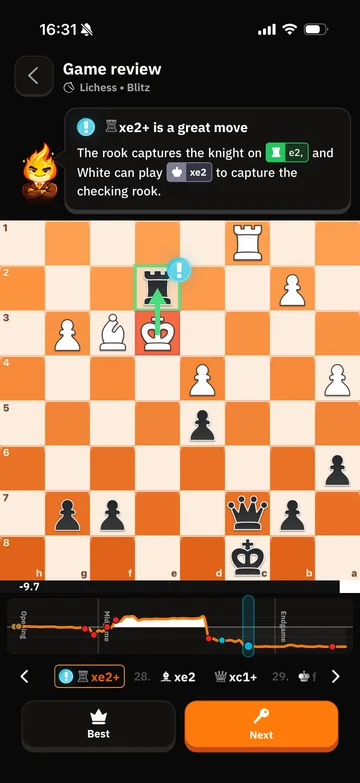
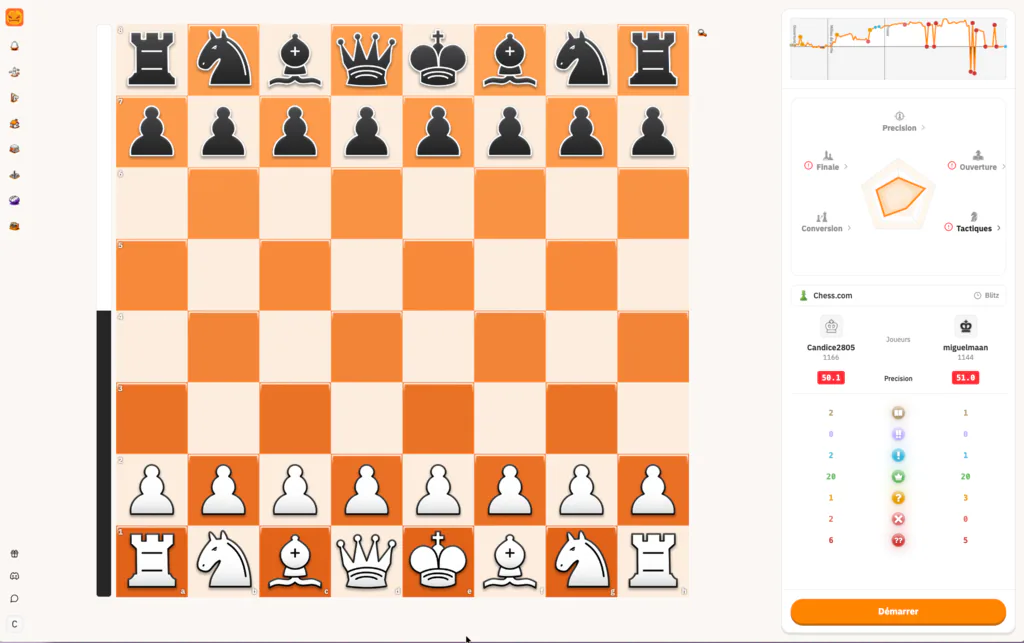
Right after the game, view your accuracy curve, move quality and coach-style feedback.
Easily navigate to the exact moment the game shifted. Make the right decision this time.
Import your game from Chess.com, Lichess or PGN, then read the key moments first: blunders, missed wins, turning points and the plan you should train next.
You can start with a free ChessFlare account, connect your games and review the report workflow before choosing whether you need more advanced training.
No. Connect Chess.com or Lichess to sync games automatically. You can also use the PGN workflow when you want to review a specific game.
Yes. The report is built for quick mobile review, so you can check the critical moments right after a game and come back later for deeper training.
The report explains accuracy, blunders, missed opportunities, move quality, turning points and practical plans in plain language, not only raw engine variations.
Most reports are ready quickly. When deeper analysis is running, ChessFlare keeps the progress clear and brings you back to the useful moments first.
Stop stacking games while repeating the same mistake. Take a few minutes after each match, understand the turning point, then train it.
Next steps