













Prepare

Build your repertoire.
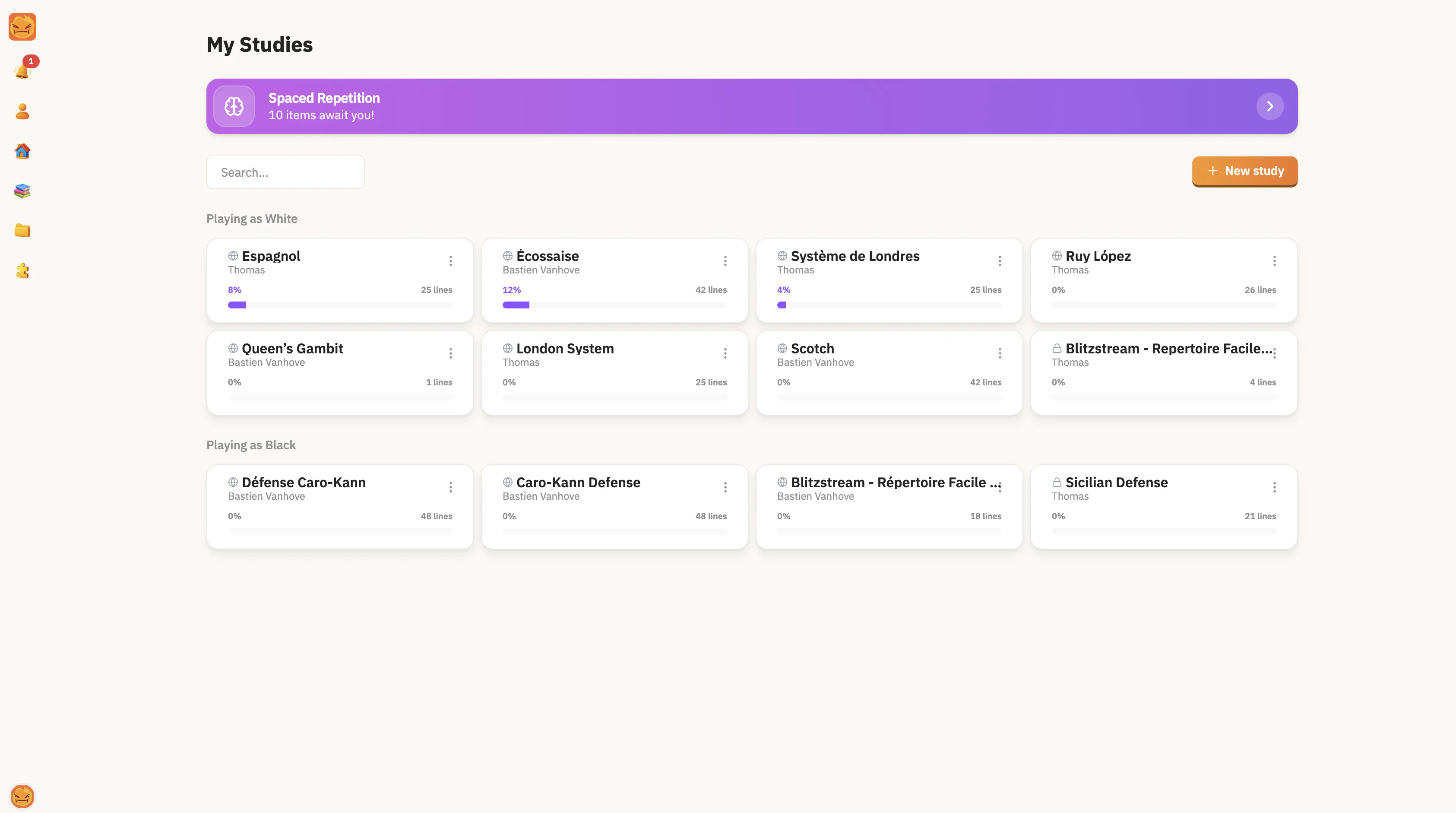
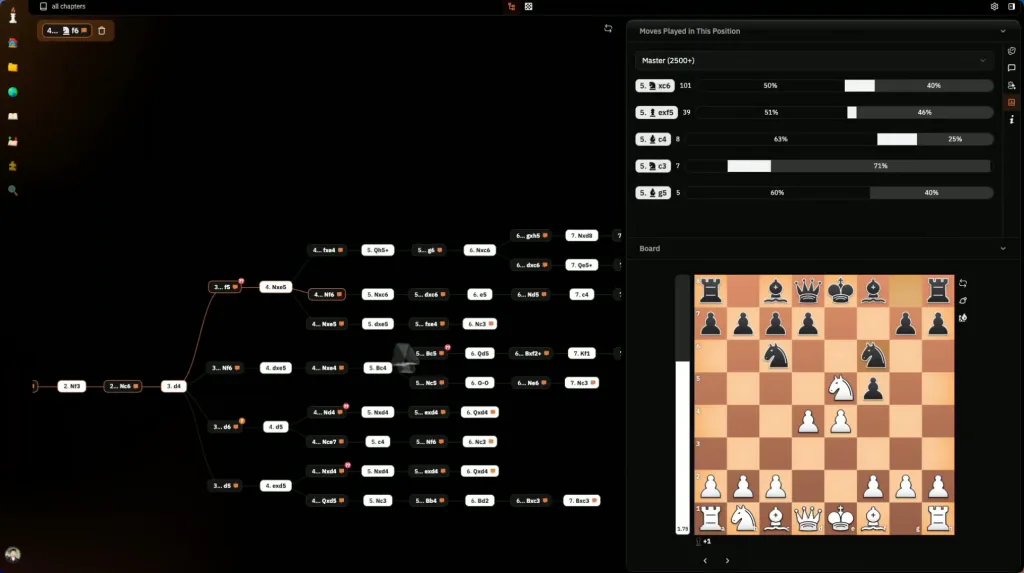
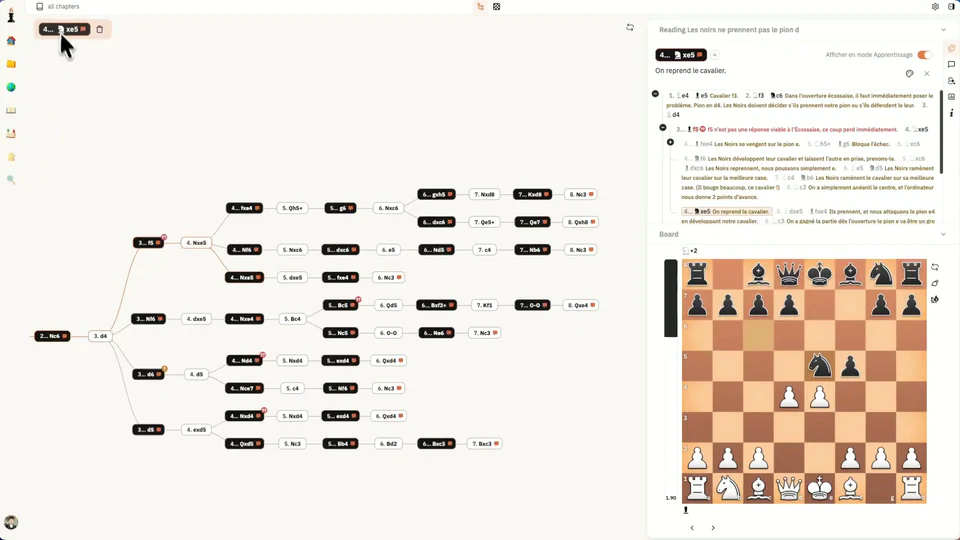
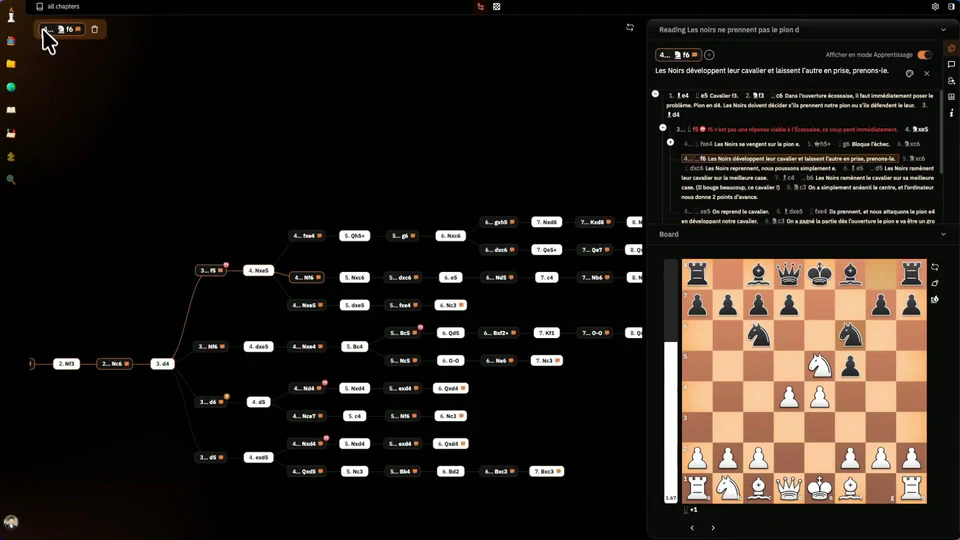
Import your PGNs. Keep your lines and ideas together.
- Clear opening tree
- Your lines, your notes
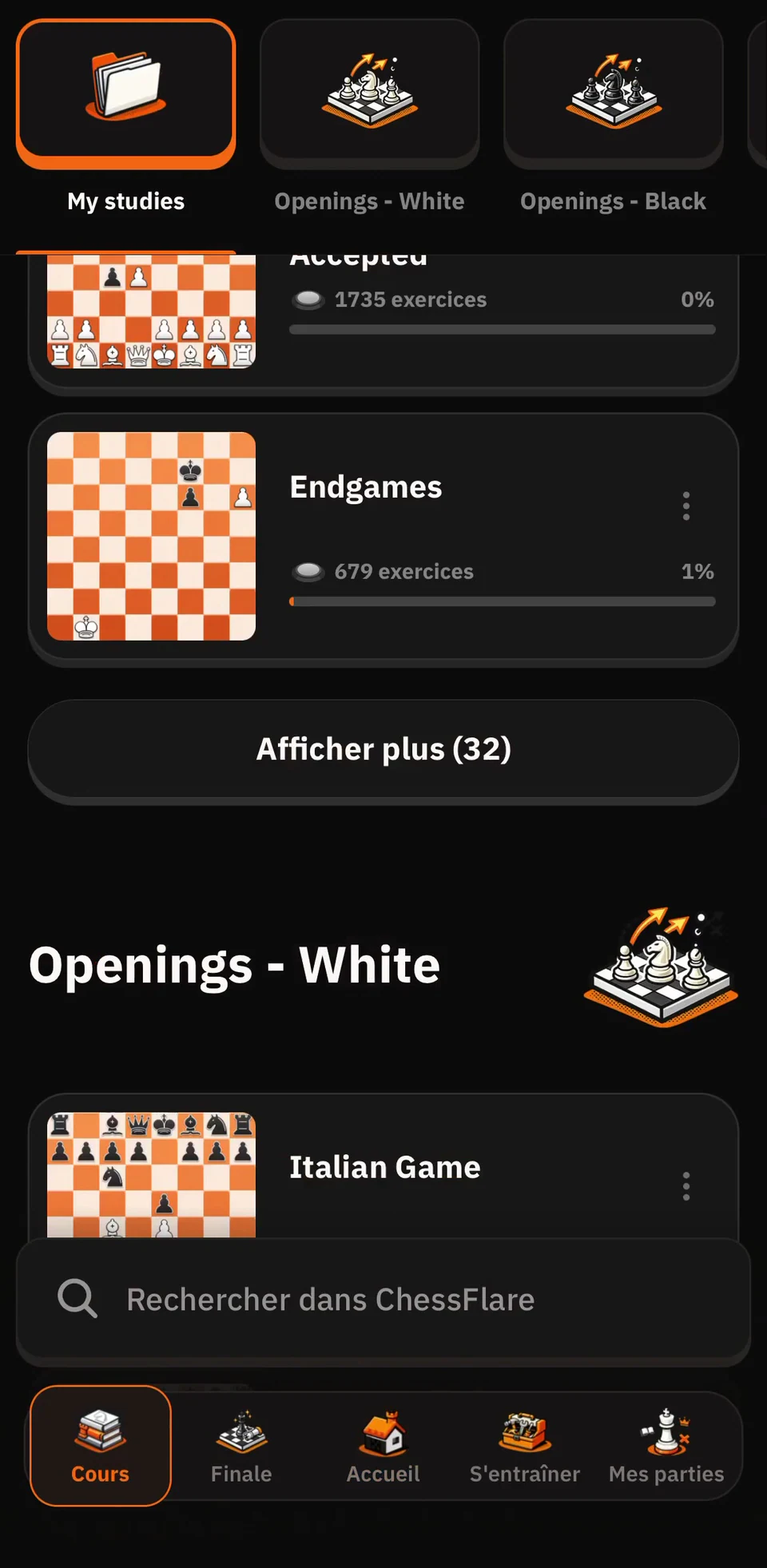
Build your repertoire, remember your lines, and learn from your games. On web and mobile.
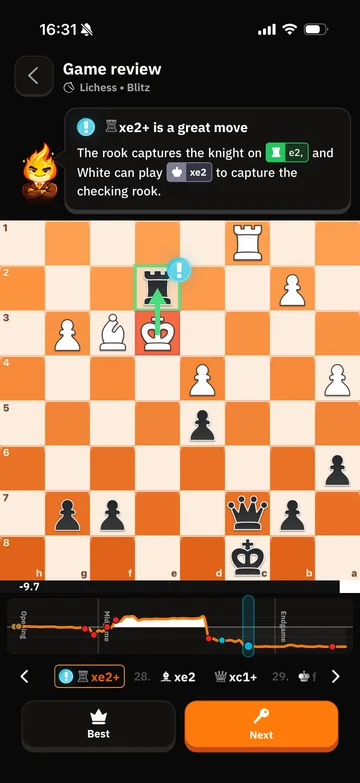
Your free game review
We developed an advanced AI to help you analyze your games and understand your positions. Go beyond the score: discover why a move works, and what you could have played.

Spot your best moves, missed opportunities and the mistakes that changed the game.

Your AI coach explains the ideas behind the moves, so you can make sense of each position.

Explore better continuations and learn what to look for next time.
Your opening library
Find your next opening. Learn the key ideas, play the moves, and build a repertoire that feels like you.
Explore the free coursesYour daily training
A few minutes a day. Exercises that fit your goals.
Calculation, openings, endgames, game review… Mix the exercises you want to work on.

Build your daily training routine and work through your exercises, one session at a time.

A notification lets you know when it is time to train. Open the app and make your next move.
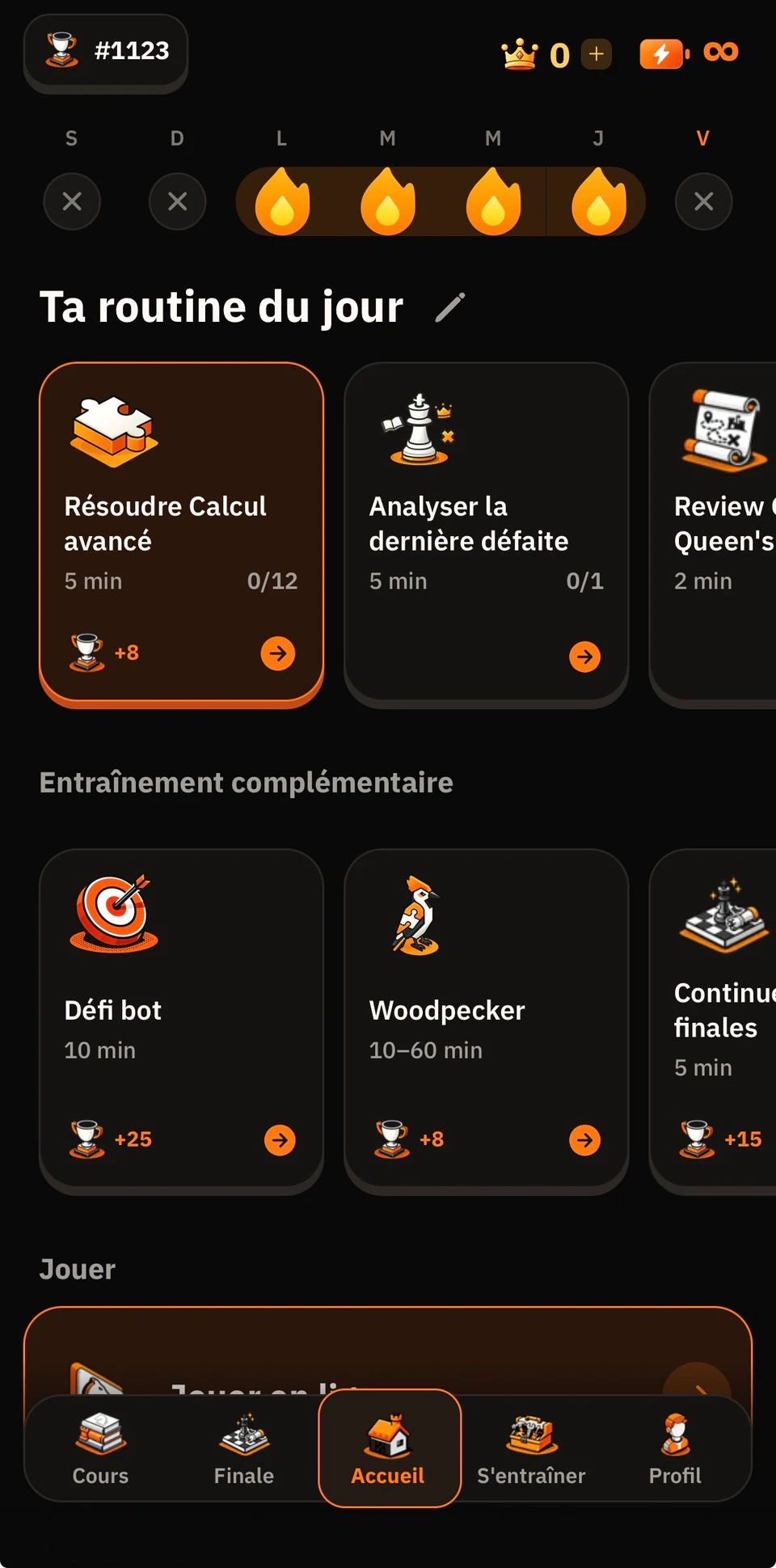
Your move. Your daily routine is ready.
A few exercises today. Better reflexes tomorrow.Your routine, always in your pocket.
Your game plan
Import your PGNs. Keep your lines and ideas together.
Split your repertoire into small lessons. Learn by playing the moves.
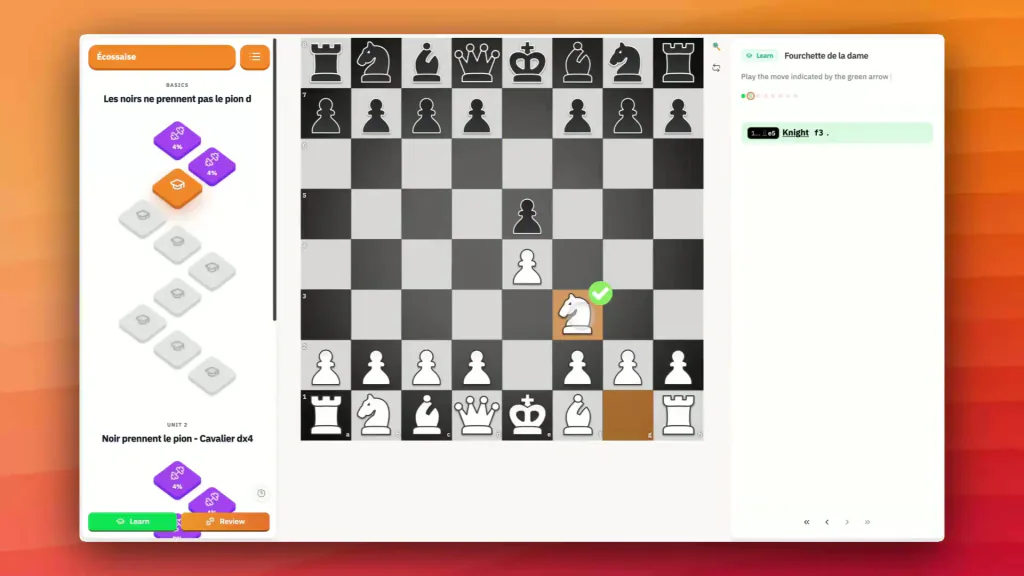
Review at the right time. Keep your openings fresh.
Product
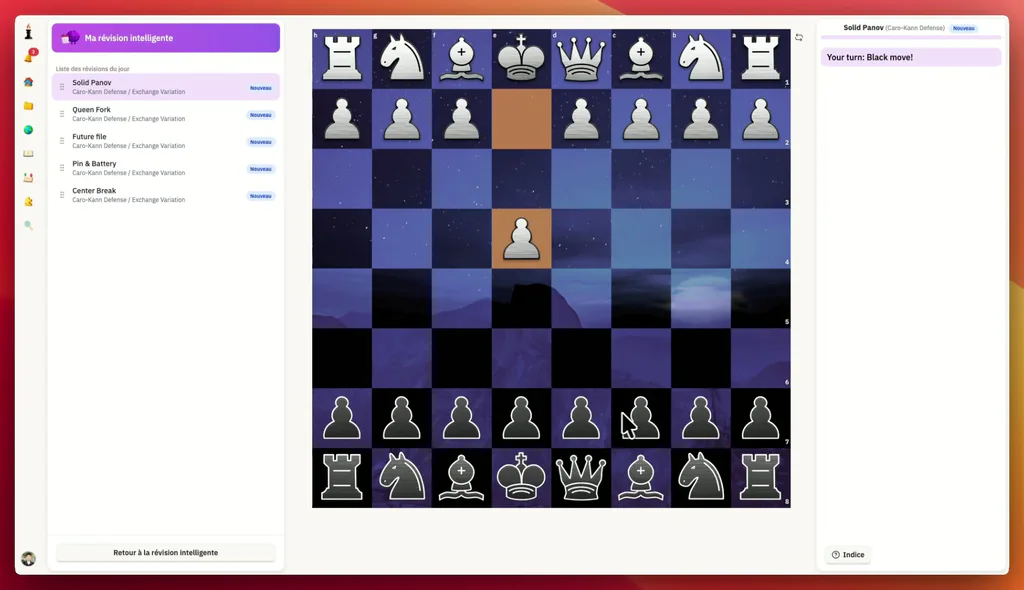
Memorize lines faster with spaced repetition sessions.
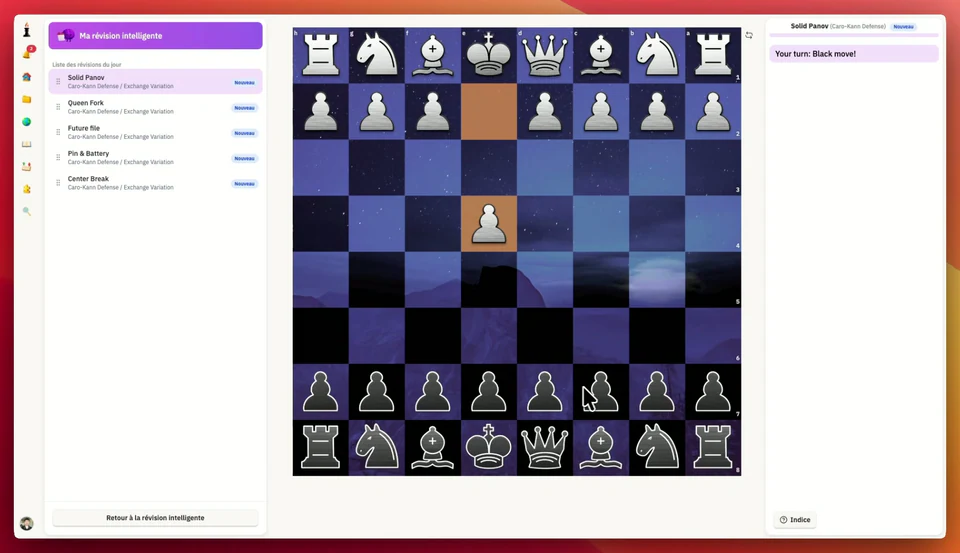
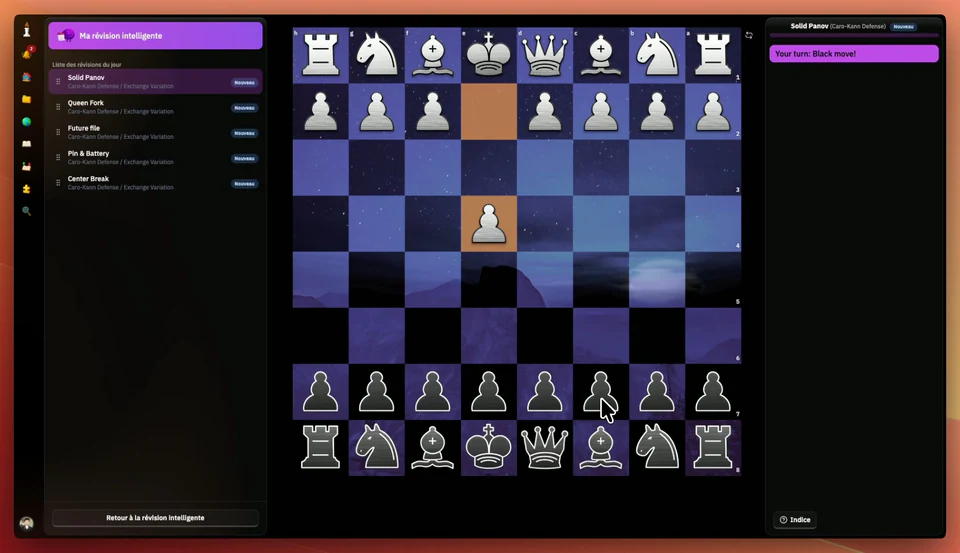
Keep your best lines fresh with adaptive review intervals.
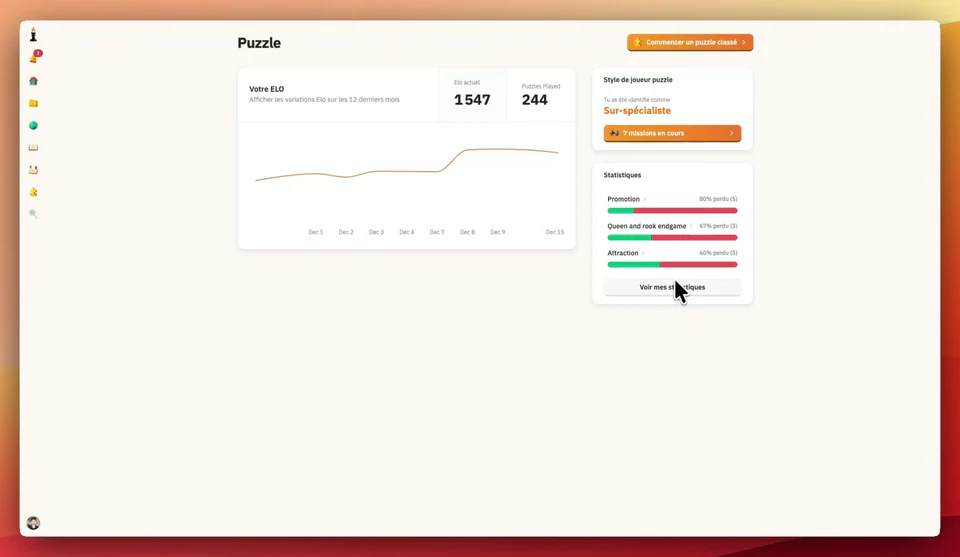
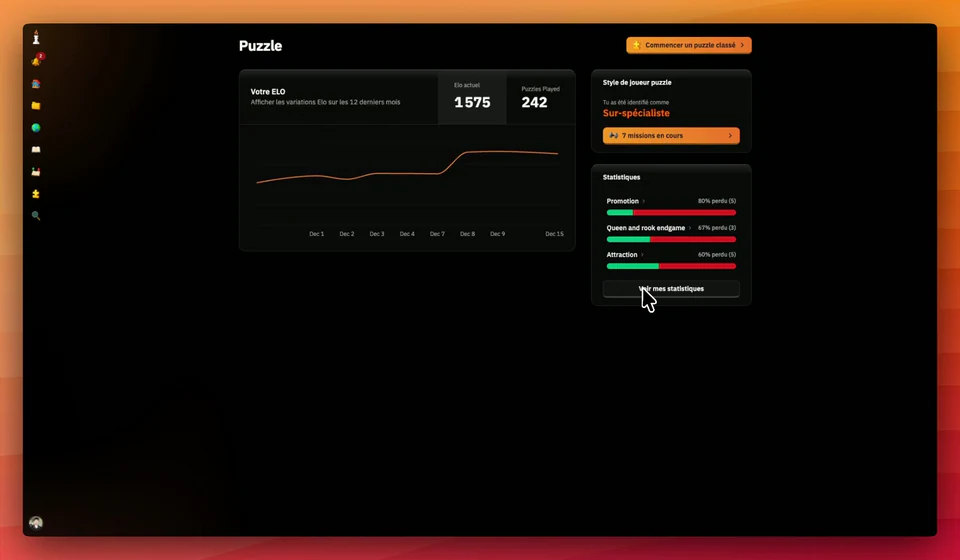
Turn tactical weaknesses into daily puzzle drills.

Edit, import, and share PGN studies from one workspace.
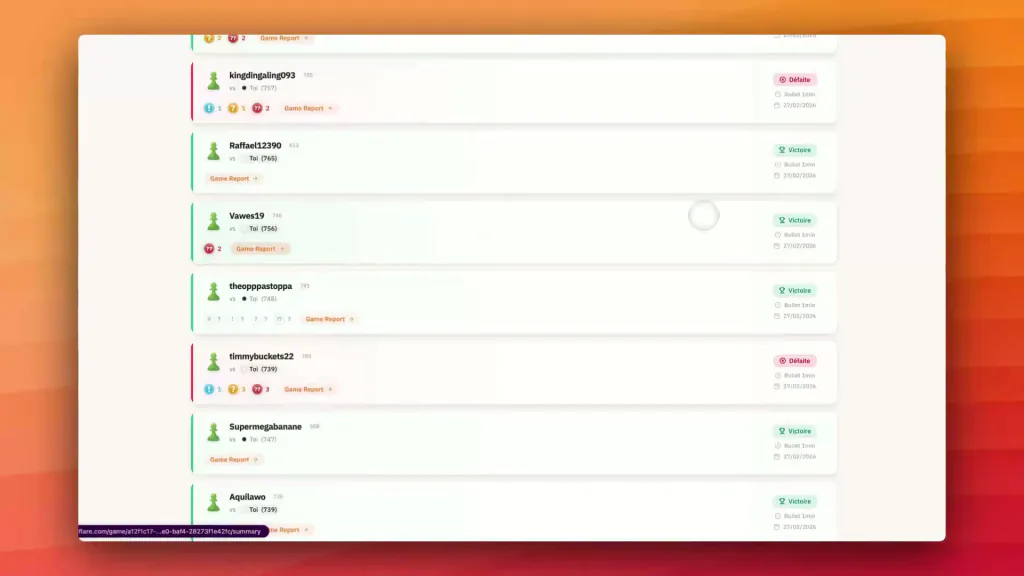
Start a real game, then turn the result into focused progress.
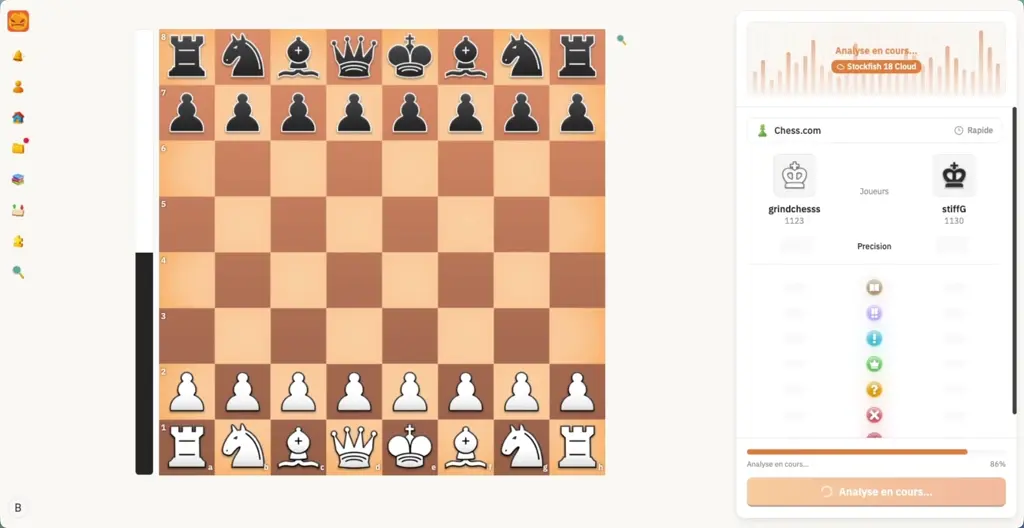
Understand game turning points with clear post-game feedback.

Track trends, reveal weak patterns, and focus your next training priority.
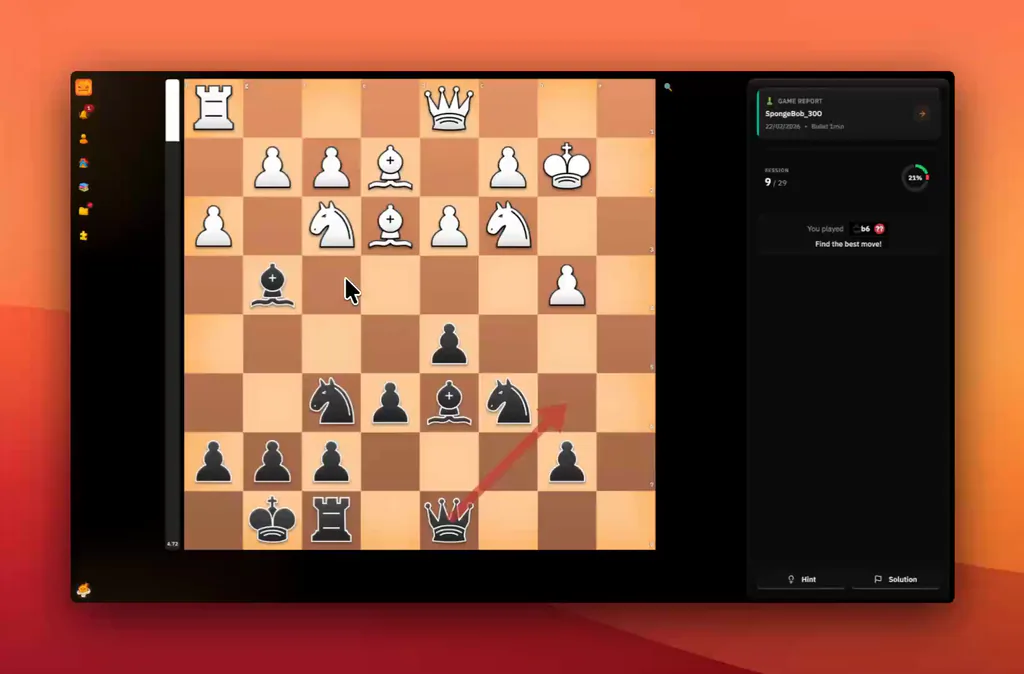
Fix recurring blunders with focused mistake review sessions.

Analyze positions with human explanations and engine depth.
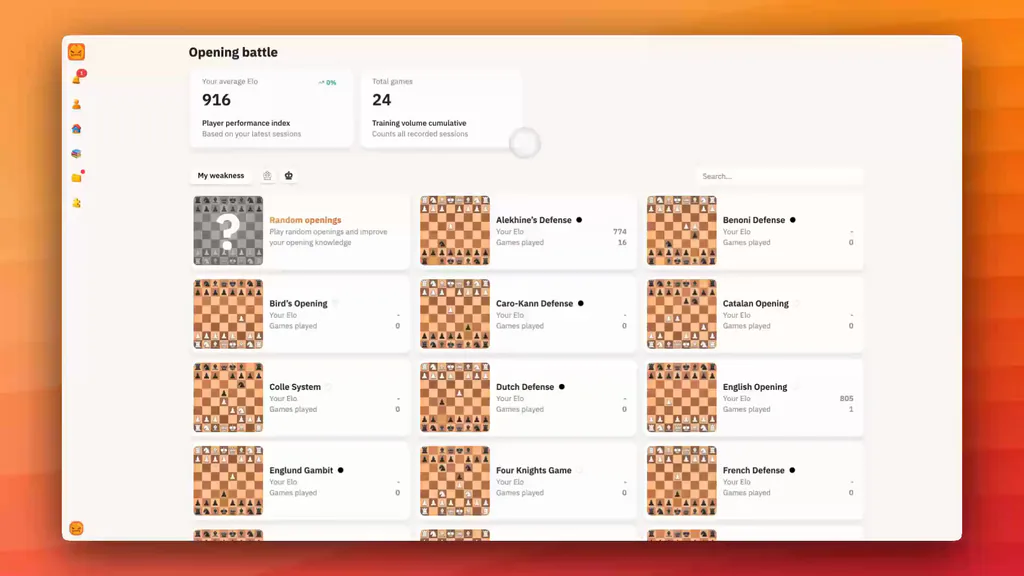
Drill opening lines in realistic game conditions.
Start for free, upgrade to Pro for unlimited progress, or lock long-term value with Lifetime.
All Pro features unlocked
Cancel anytime
Billed annually at $59.99 / year
One-time payment, lifetime access
 Unlimited learning paths
 Unlimited spaced repetition
 Unlimited game statistics
 All our tools
 Unlimited PGN repertoire editor
 Unlimited studies
 Unlimited game summaries
 Unlimited mistake correction
Yes. You can start with the Free plan. Pro plans unlock more volume and deeper training.
Yes. You can import your PGNs and organize them in a clean repertoire with variations, comments, and priorities.
Yes. You can connect your accounts to sync your games and analyze your real mistakes faster.
Yes. Desktop and mobile work independently, and your progress data stays synced.
ChessFlare goes beyond editing: you build, review, fix real mistakes, and replay in one unified loop.
Yes. Your studies and progress are stored in your workspace and stay reusable over time.